
Connect your AI assistant to GigJack
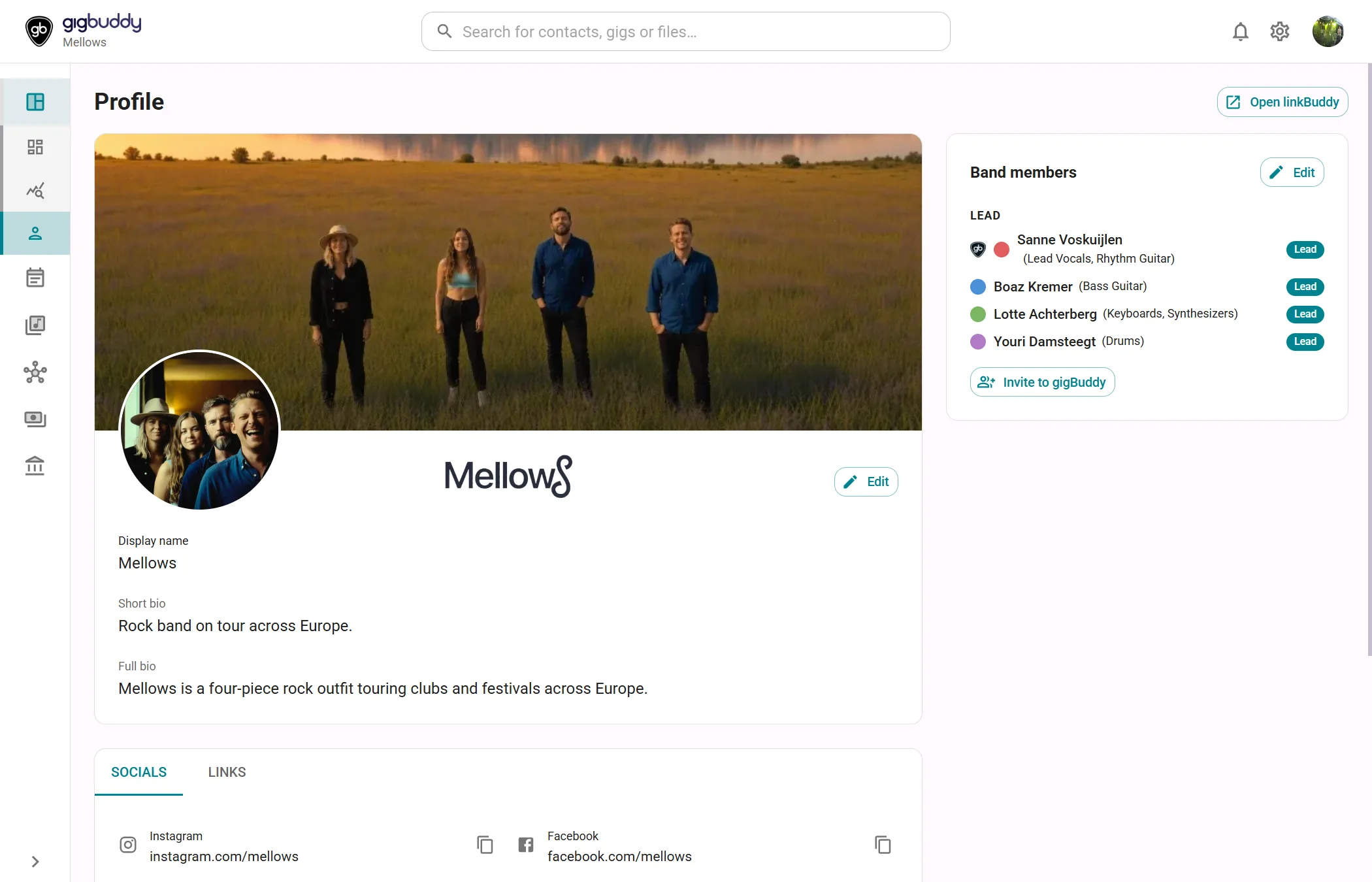
The MCP connector gives a compatible AI app access to your band or artist workspace. Read your profile, work with planning and turn requests into tasks, venues and contacts, within the permissions you approve.
Free plan · No credit card required · Cancel anytime
Give your assistant the context of your band
MCP stands for Model Context Protocol: a standard way for AI apps to discover and use tools from another application. GigJack’s read-only profile tool supplies your name, genres, biographies, social links, repertoire information and booking contact. The assistant can use that context to prepare a brief or introduce your band.
Work with planning through a conversation
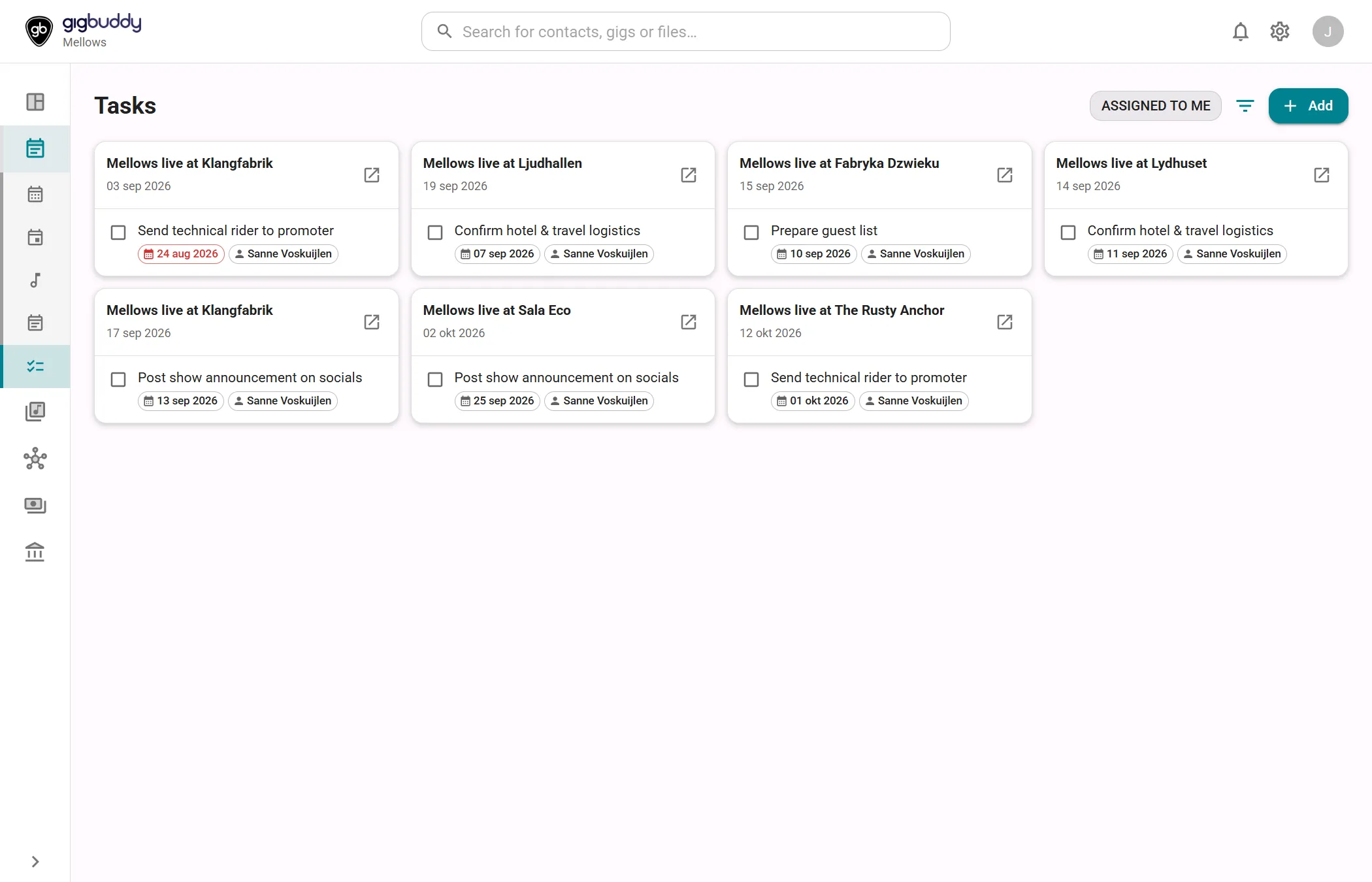
Let an authorized assistant read, create and update gigs, rehearsals, events and tasks. A standalone task can link to venues and contacts, carry a due date and keep dated follow-up notes. Connect from your AI app using OAuth, choose one workspace, then manage its tool groups in GigJack’s MCP connector settings.
Read the connection guideKeep new relationships in your workspace
The assistant can search existing venues and contacts, create missing records and link them together. Combine GigJack with separate research and email tools to investigate opportunities and prepare unsent booking introductions. Our feature article walks through a band marketing bot, from profile to follow-up task and email draft.
Explore the marketing bot workflow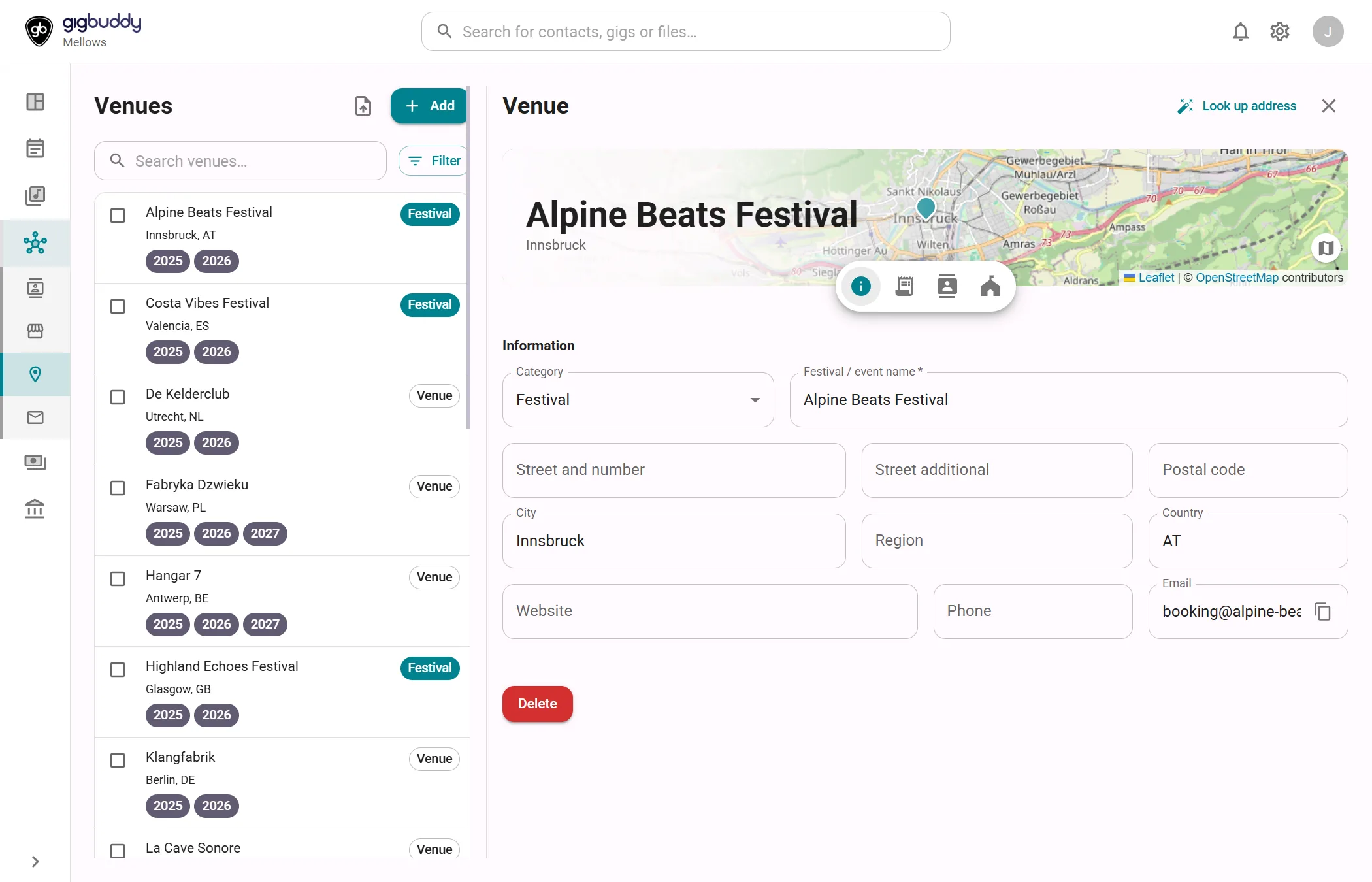
Choose the tools your assistant can use
Enable the groups needed for your workflow. Every action follows the connection’s approved access and your current workspace role.
- ProfileRead the band or artist profile, including biographies, genres, links and booking contact.
- Gigs, rehearsals and eventsRead, create and update planning records with the appropriate access.
- Tasks and notesCreate follow-ups with due dates, link standalone tasks to contacts and venues, and maintain task notes.
- Venues and contactsSearch and reuse existing records, add missing ones, link contacts to venues and record notes.
- One workspace per connectionChoose the band or artist workspace during authorization. Switching workspace in GigJack does not retarget the connection.
- Access you manageChoose viewing or editing access, adjust tool groups, review activity and disconnect an app in Settings.
Questions about the MCP connector
What do I need to connect an AI app?
Use a client that supports a remote MCP server with Streamable HTTP and browser-based OAuth authorization. Connect to https://app.gigjack.com/api/mcp, sign in and approve access to a workspace. Automatic client registration depends on GigJack’s configuration; some setups need client details from support. AI app availability and setup vary by provider.
Which plans include MCP?
The MCP connector is included in Artist Gold, Band Silver and Band Gold. Access follows the plan of the workspace connected to the AI app.
Can the assistant change everything in GigJack?
The connector exposes specific profile and planning tools. Your approved permissions, enabled tool groups and current workspace role determine what runs. Profile access is read-only. Gig deal finances, bank details and tax identifiers are excluded. The AI app and model provider are third parties; review what you share and the changes you authorize.
Does MCP include web research and email sending?
Web research, mailbox drafts, sending and scheduled bot runs need separate tools in the AI app’s environment. GigJack supplies workspace tools. You can configure a multi-tool assistant to research leads and prepare drafts for your review, as described in our marketing bot article.
How do I manage or stop a connection?
Open Settings, then Integrations and connectors, then MCP connector. Expand an application to change Tool groups and select Save tools, or select Disconnect to revoke that connection. Connections last up to 30 days; Offline access allows renewal within that period. Signing out of GigJack does not disconnect an authorized app.

Set up your AI connection
MCP is included in Artist Gold, Band Silver and Band Gold. Choose the plan for your band or artist workspace, then authorize your compatible AI app.